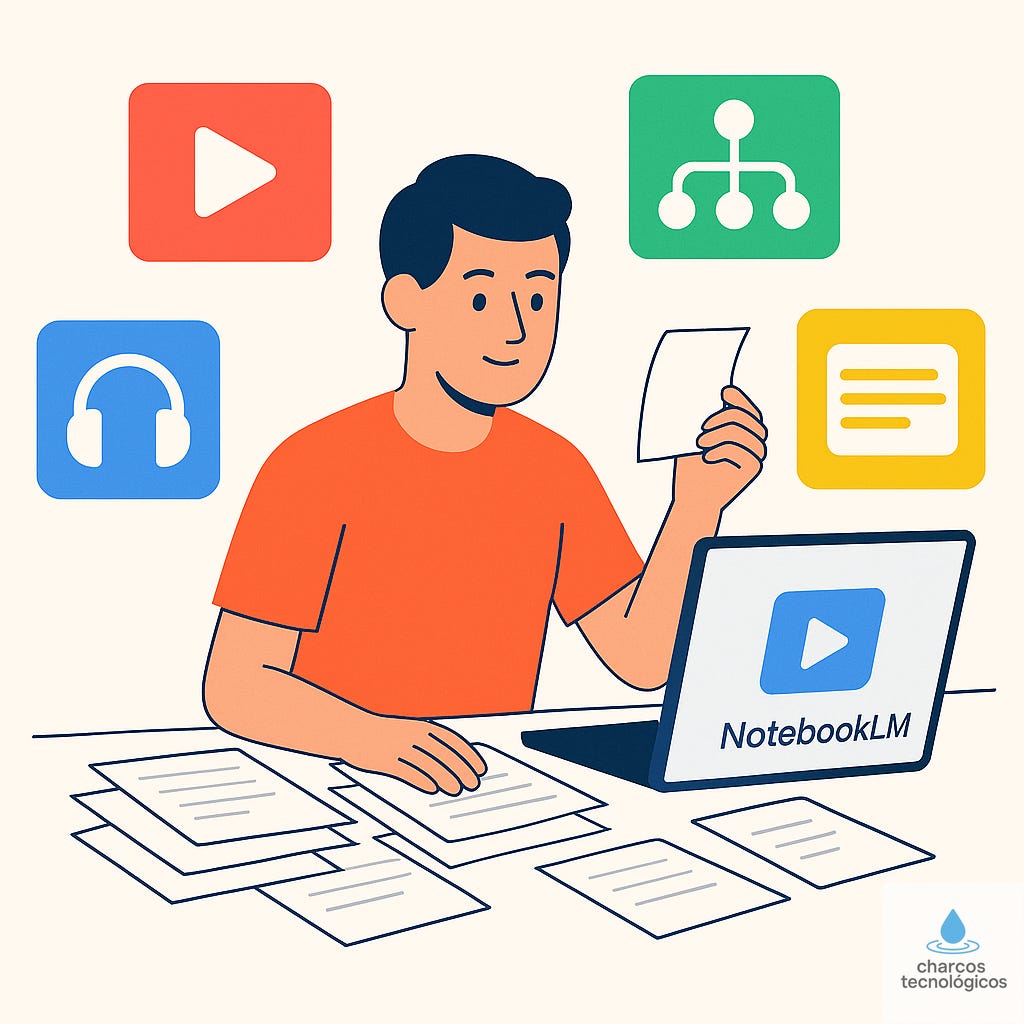
Image generated with ChatGPT. A couple of weeks ago, I was facing a significant block with a project. It wasn’t just a matter of asking ChatGPT to help me with a specific problem. It was something deeper. I needed to understand the concepts thoroughly and had little time to achieve that. I had the typical knot in my stomach that you feel when you know you have to do something but it’s hard to get started.
Have you been in a similar situation and want to know how I managed to get out of the rut? Keep reading, and I’ll explain in detail.
I admit that I am not much of a visionary or futurist. I take a bit longer than enthusiasts to embrace certain changes. With AI, in particular, I didn’t have that issue because I was already doing developments in 2017, but with the pace this is moving and everything I already have on my plate personally and professionally, there are tools that I see passing by in the rearview mirror, and I think: “Okay, another one.” One of them was NotebookLM from Google.
It’s a tool I started using timidly, without high expectations. Those of you who read me week after week know that I mainly use it to create the podcast of the articles, which is quite faithful to the content and sounds very natural. But since I’m not Steve Jobs, it took me a while to connect the dots.
NotebookLM and Guided Learning
Back to my block. I was very overwhelmed. I didn’t have time to find a mentor, explain my problem, and, above all, have the training extend over days or weeks. I needed something now, even if it was just to get by.
Suddenly, a light bulb went off:
“What if I take all the content I have, plug it into NotebookLM… and let it be what it will?”
And it worked. I managed to break the block, fill in the gaps I was missing, and complete the project with difficulty but also with confidence.
At that moment, I understood something important: NotebookLM is not only useful for generating things but also for learning at your own pace and with your own material.
And now, let’s get to the point.
Before You Start, Load Your Sources
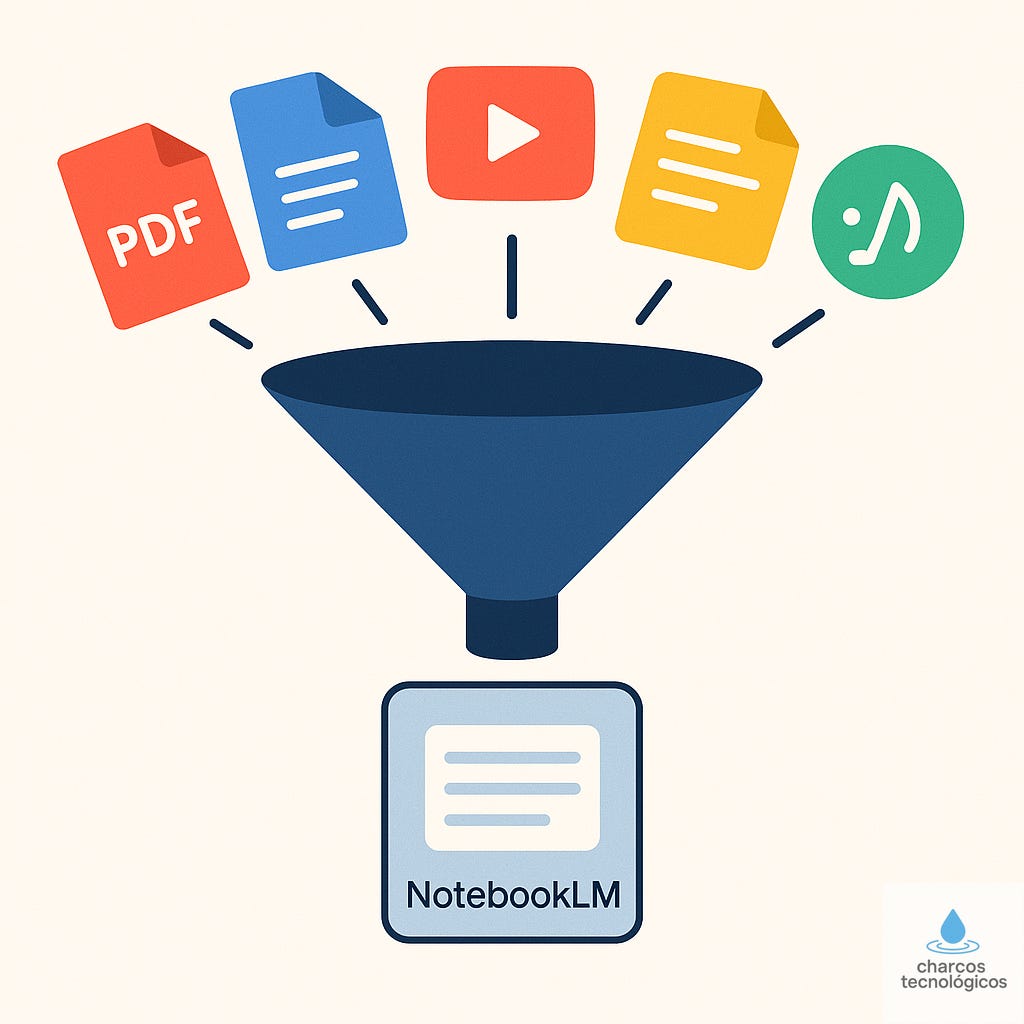
Image generated with ChatGPT. Before playing with videos, podcasts, or flashcards, you need to give NotebookLM the most important thing: your content, what you want to learn, improve, or master. It can be a topic you are preparing for an exam, a new technology, or a presentation you have to give in a week.
You can upload PDFs, Google documents, web pages, YouTube videos, audio files, images, or plain text. Everything that is part of your problem. You can even ask it to expand the sources by searching for related content on the Internet, but I do not recommend it: the more control you have over the sources, the more reliable everything it builds on them will be.
My personal recipe, after several experiments:
- Gather what you can into 3 or 4 main documents.
- Add a brief contextual description if the material is chaotic.
- If you are working on several different topics, create separate notebooks.
Once you have done that, you can start working with the wide range of tools it offers.
▶️ Interactive Video
What It Is
You can obtain an explanatory video from your sources. But it’s not a passive video: you can ask it questions while watching and pause it to ask for an explanation of a concept.
What It’s For
It’s the perfect tool to break the ice. It gives you a panoramic view without overwhelming you. From there, everything makes more sense, or at least you’re not starting from scratch.
And that feeling of having a foundation is 50% of learning.
🎧 Podcast
What It Is
It converts your documents into a natural, coherent, and surprisingly well-narrated podcast. No robotic voices. It sounds like someone who has read your material and is telling it to you.
What It’s For
Perfect for reviewing while you walk, do any task that isn’t too intense, or wait for the kids to get out of school. You can listen to your own syllabus explained by another voice. And that distance is revealing. It points out inconsistencies, gaps, repetitions… and forces you to think better.
🧠 Mind Map
What It Is
NotebookLM turns your content into a hierarchical visual map with related concepts and ideas. Suddenly, you see the structure that was previously hidden among the lines.
What It’s For
It’s like going from looking at a jumbled puzzle to having the picture on the box. It helps you understand what is primary and what is secondary, where you are repeating ideas, what concepts support the rest, and which parts of the syllabus are orphaned or poorly explained.
🗂️ Flashcards
What It Is
It generates question-answer flashcards based on your documents. It asks you a question, you tap the card, and it presents the answer.
What It’s For
They are ideal for preparing for exams, competitive exams, or dense subjects. Memory strengthens by retrieving information, not by rereading it. And these flashcards work just that way.
Moreover, they have an important virtue: they adapt to your content, not to a generic syllabus.
❓ Interactive Quiz
What It Is
It creates sets of questions that adapt to your answers. And if you get it wrong, it explains it to you.
What It’s For
It serves to measure your real level without beating around the bush. Here, a “I think I know it” doesn’t count. You either answer correctly or you don’t.
📝 Reports
What It Is
NotebookLM can write summaries, syntheses, comparative analyses, or executive reports based on your sources.
What It’s For
If you have to prepare a meeting, a dossier, or a presentation, these reports are a very good foundation. They allow you to turn a chaos of notes into clear and well-written material in a matter of minutes.
It also serves for studying. A report is a syllabus without fluff, without half ideas, and without repetitions. And you can ask for more technical, shorter, more popular versions… whatever you need.
Contextual Explanations
If I had to choose just one function, it would be this one. There’s nothing as useful as being able to stop at any point —a video, a map, a card, a report— and ask for a tailored explanation or pose a question about an aspect that isn’t entirely clear to you.
It’s not Google or YouTube. It’s your content explained for you.
Each explanation can be simpler, more technical, more visual, or broader. You can even ask for a development exam on a specific fragment.
Bonus: the “Study Coach”
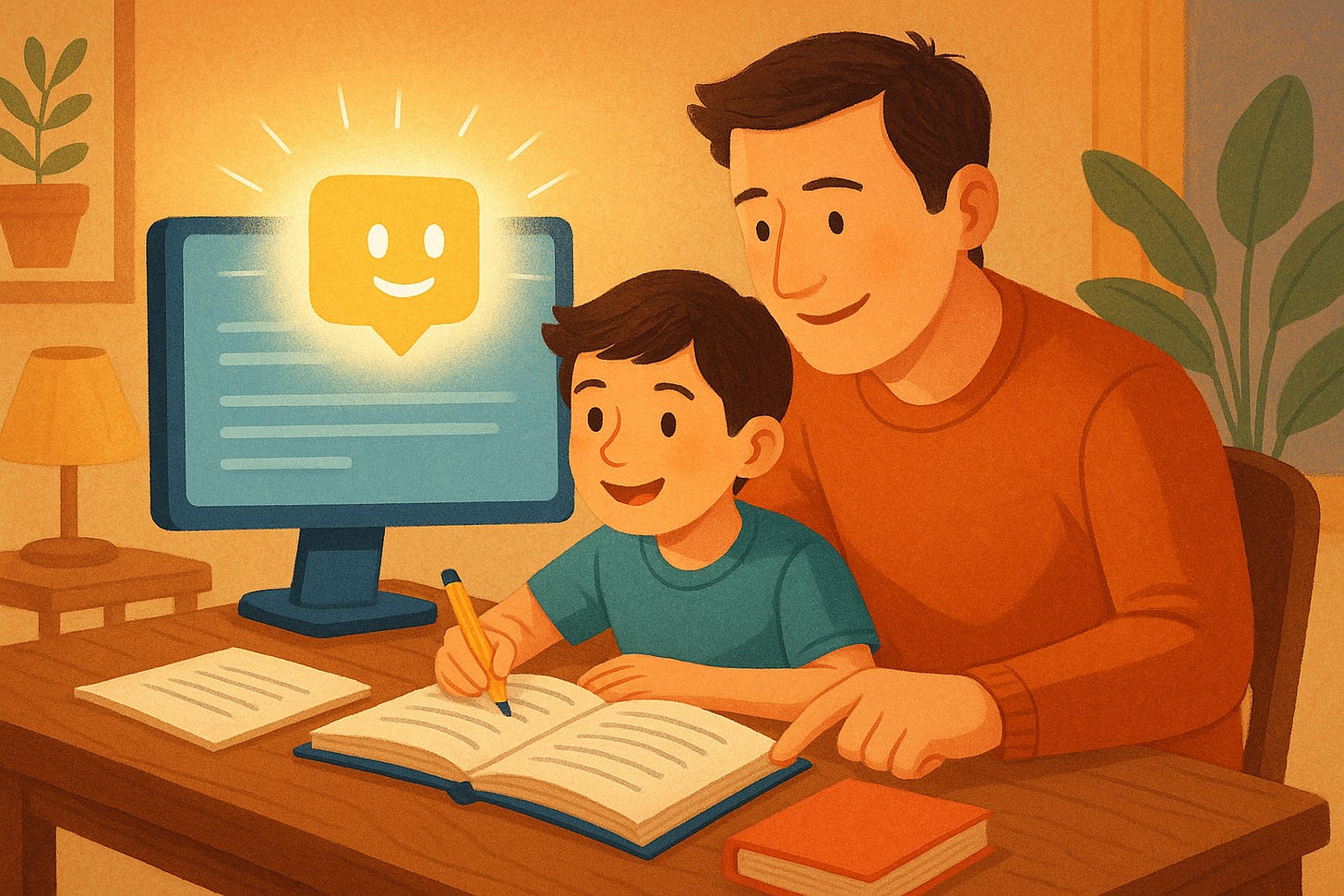
Image generated with ChatGPT. After using NotebookLM for a while, I started trying it out with my kids. They have used it to review, do self-assessments, and deepen the concepts they need for their exams. So far, the results have been very satisfactory, not only because of their grades but also because of the confidence it gives them.
It is helping them become more independent, to ask more questions, to make mistakes without drama, and to consolidate their knowledge better. That, for a child, is a superpower.
Teachers Will Always Be Better
All of this is undoubtedly spectacular. And yet, teachers are still better and always will be.
If teaching were only about transmitting information, teachers would no longer be necessary. But there’s much more: knowing when a child is frustrated, doesn’t understand something, or doesn’t dare to ask. Or when to push, ease up, or encourage.
Empathy and care cannot be replaced by algorithms.
Technology explains well, adapts, and generates content without limits. But it cannot accompany you like a teacher would.
And of course, while NotebookLM can unlock you, speed up your times, and help you learn faster, you will never remember it with the same nostalgia as those teachers who shaped us and pointed us in the direction that has made us productive individuals.